
A Guide to Staff Holiday Management Software
Posted by Robin on 27 Jan, 2026 in
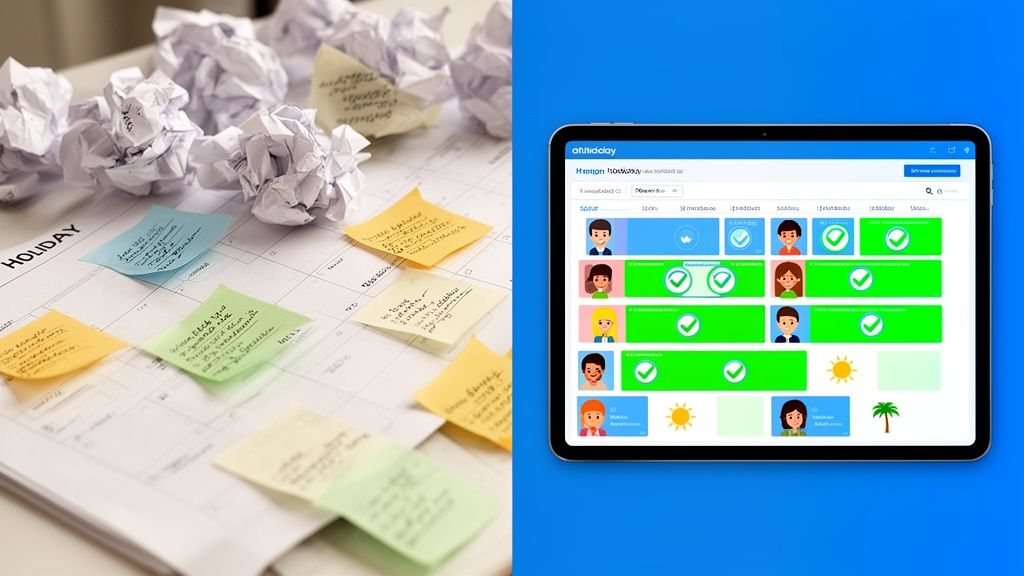
Drowning in endless emails, clashing leave requests, and a holiday spreadsheet that’s seen better days? It’s a painfully familiar scene for many businesses, but there is a much better way. Modern staff holiday management software is a centralised, automated system built to wipe out these exact frustrations and bring some much-needed clarity to your leave planning.
Why Your Business Needs to Ditch Holiday Spreadsheets
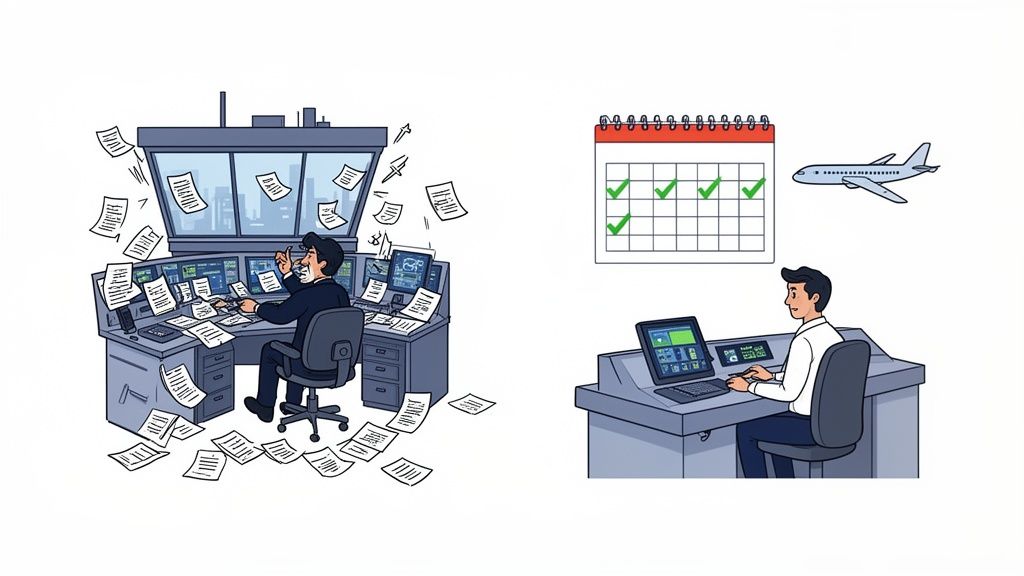
Running staff holidays from a spreadsheet is like trying to manage air traffic control for a busy airport with a notepad and pen. Sure, it might work when you’ve only got a couple of planes in the sky. But as the number of flights—or in this case, employees—grows, the whole system quickly becomes overwhelmed. The result? Scheduling conflicts, near-misses, and utter chaos.
This manual approach forces managers into a constant juggle of email chains, frantic updates to a shared file, and cross-referencing multiple documents just to approve one person’s holiday. It’s not just slow; it’s a process that’s incredibly prone to human error. A single forgotten email or a broken formula can easily lead to understaffed teams, project delays, or even costly payroll mistakes.
The Hidden Costs of Manual Tracking
Relying on these outdated methods creates significant, often overlooked, risks for the business. In the UK, where statutory annual leave is a minimum of 5.6 weeks, mismanaging staff holidays is a constant headache. In fact, a survey from the Chartered Institute of Personnel and Development (CIPD) found that a staggering 42% of UK HR managers reported errors in holiday tracking that led to disputes or overpayments. These slip-ups cost businesses an average of £1,200 each time in admin and payroll fixes. You can dig into more of these challenges over at Factorial HR.
This manual approach also breeds inconsistency and a lack of transparency, which can seriously damage team morale. When leave is approved on a first-come, first-served basis without any real visibility, it just feels unfair. Key issues that crop up time and again include:
- Inconsistent Approvals: Managers might green-light a request without realising another key team member is already booked off for the same period.
- Lack of Visibility: Employees have no easy way to check when their colleagues are away, making it a nightmare to plan their own time off without causing cover issues.
- Administrative Burden: The sheer amount of time HR and managers spend chasing requests, answering queries about remaining leave, and correcting mistakes is huge.
A dedicated staff holiday management software isn't just a fancy replacement for a spreadsheet; it's a strategic upgrade. It provides a single source of truth that automates calculations, enforces your policies, and gives everyone the real-time visibility they need to plan properly.
To put it in black and white, let's look at a direct comparison. The differences become pretty stark when you see them side-by-side.
Manual vs Automated Holiday Tracking at a Glance
| Aspect | Manual Tracking (Spreadsheets/Email) | Holiday Management Software |
|---|---|---|
| Accuracy | Prone to human error, broken formulas, and data entry mistakes. | Automated calculations ensure 100% accuracy for leave balances. |
| Efficiency | Time-consuming process involving manual updates and back-and-forth emails. | Instant requests and approvals with automated notifications. |
| Visibility | Limited and often out-of-date. Employees can't see team calendars easily. | Centralised, real-time calendar gives everyone full visibility of who's off. |
| Compliance | Difficult to enforce policies consistently, risking legal non-compliance. | Automatically enforces company policies and tracks statutory entitlements. |
| Reporting | Manual data crunching is required to get any meaningful insights. | Generates instant reports on leave patterns, absence trends, and liability. |
| Employee Experience | Frustrating, slow, and lacks transparency, leading to poor morale. | Simple, self-service portal empowers staff and improves satisfaction. |
The table really says it all. While manual methods might feel "free," the hidden costs in time, errors, and morale paint a very different picture. Moving to an automated system is less of an expense and more of an investment in efficiency and a happier team.
Exploring Core Software Features and Their Purpose
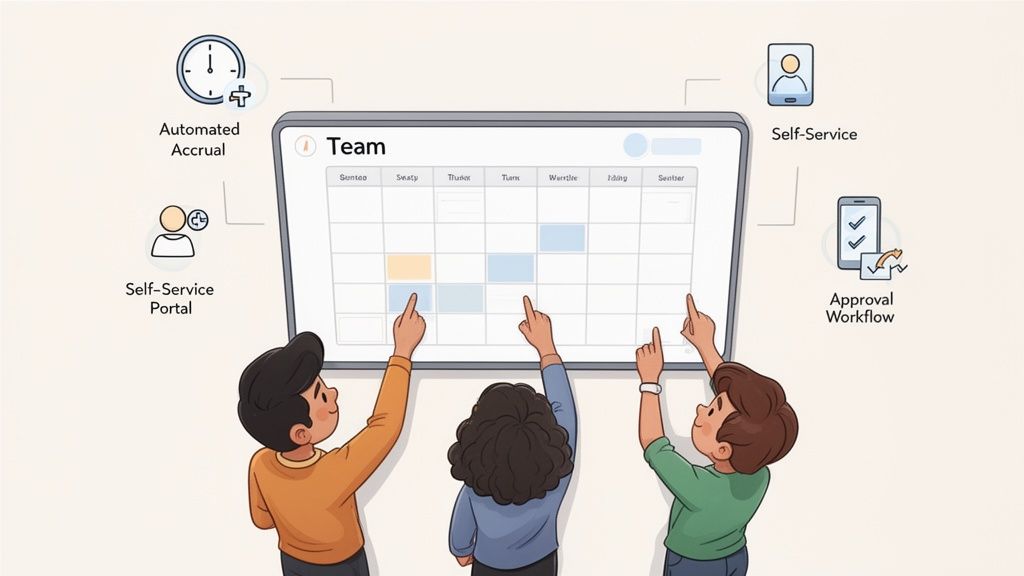
Good staff holiday management software is more than just a digital diary. Think of it as the central nervous system for your team's availability, swapping guesswork for clarity and tedious manual admin for slick automation. When you understand the purpose behind its core features, it becomes clear why it's such a vital tool for any modern business.
These features aren't just a random list; they're interconnected cogs in a well-oiled machine. Each one solves a specific pain point that comes with manual tracking, and together, they create a process that’s smooth, fair, and transparent for everyone.
Centralised Holiday Calendar and Team Visibility
At the heart of any decent system is a shared, real-time holiday calendar. This is miles better than the old wall planner. It’s an interactive dashboard giving you an instant, company-wide view of who is off, when, and for how long.
This immediate clarity solves the most common scheduling headache: accidental overlaps. When a manager gets a request, they can see in a flash if saying "yes" would leave a team short-staffed during a crunch period. For staff, it cuts out the frustrating back-and-forth of trying to find a good time to book leave, because they can see when their colleagues are already off before they even make a request.
This kind of team calendar view gives you instant clarity on who’s available.
The colour-coded system instantly flags different leave types and highlights potential clashes, giving managers all the context they need to make a smart call.
Automated Accrual and Balance Tracking
Manually calculating holiday entitlement is a minefield, especially for part-time staff or new joiners. One slip-up and you’ve got a problem. Automated accrual tracking is the feature that solves this for good. The software crunches the numbers for each employee based on their contract and your company policies, updating their balance in real-time as leave is booked and taken.
This guarantees 100% accuracy and helps you stay compliant with UK working time regulations. It gets rid of the miscalculations that can lead to disputes or payroll nightmares. Better yet, employees can see their exact remaining balance whenever they like, which means far fewer queries landing in HR’s inbox.
A robust staff holiday management software provides a single, undisputed source of truth for leave balances. This transparency builds trust and empowers employees to manage their time off confidently and responsibly.
Employee Self-Service Portal
If there's one feature that claws back the most admin time, it’s the self-service portal. Instead of firing off an email to HR or their line manager, employees can log in to a simple interface and sort things out themselves.
Typically, this means they can:
- View their remaining holiday balance: No more asking, "how many days do I have left?"
- Submit new holiday requests: A straightforward form replaces vague, easy-to-miss emails.
- Check the status of pending requests: Staff can see if their request is still waiting for approval or has been confirmed.
- See the team calendar: They can proactively plan their own leave around their colleagues' time off.
This hands-on approach empowers your team and frees up managers and HR professionals to focus on work that adds real value. To get a deeper feel for how these platforms work, our guide to employee leave management systems offers more context.
Customisable Policies and Approval Workflows
No two businesses handle leave in exactly the same way. The best holiday software is built with this flexibility in mind, letting you digitise your specific rules and processes.
You can configure the system to handle your unique requirements, such as:
- Minimum Staffing Levels: Automatically flag requests that would drop a department below its required headcount.
- Custom Leave Types: Create and track different kinds of absence, like duvet days, training, or volunteering days.
- Multi-Level Approvals: Set up workflows where a request needs a thumbs-up from both a team leader and a department head.
This level of customisation ensures the software fits your business, not the other way around. It enforces your policies consistently for everyone, getting rid of the ambiguity and "special cases" that often plague manual systems.
The Real Business Impact of Automated Leave Management
Moving past the individual bells and whistles, the true value of staff holiday management software becomes crystal clear when you look at its impact on the entire business. This isn't just about making life a bit easier; it’s a strategic shift that delivers real, measurable returns in administrative savings, operational stability, and employee well-being.
At its core, automation takes aim at the hidden costs bleeding time and money from your manual processes. Think about the countless hours your HR team and line managers spend chasing paper request forms, double-checking leave balances in a clunky spreadsheet, and fixing the inevitable errors. Good software hands that time back, freeing them up for work that actually moves the needle, like talent development or strategic planning.
To really get it, it helps to see this as part of the bigger picture of business process automation. For a great overview, check out this guide on what is business process automation and its benefits. The core principles—saving time, cutting out errors, and boosting efficiency—are exactly what makes dedicated leave software so powerful.
Saving Administrative Time and Money
The first win you'll notice is a massive drop in the administrative workload. Every single manual request, calculation, and report eats up time, and that time costs money. Multiply that across your whole organisation, and you’re looking at a serious operational expense.
Staff holiday management software puts a stop to these time-sinks.
- Fewer Queries: Employees can see their own balances and check the team calendar anytime. The constant trickle of "how many days do I have left?" emails simply dries up.
- Faster Approvals: Managers can approve or deny requests with a single click, right from an email or a Slack notification. No more digging through spreadsheets.
- Instant Reporting: Need to know about absence trends, holiday liability, or departmental cover? You can generate those reports in seconds, not hours.
This isn't just a minor tweak. It translates into real cash savings by reclaiming hundreds of valuable staff hours every year. That's time your team can spend on proactive, strategic work instead of drowning in reactive admin.
Improving Operational Efficiency and Planning
Beyond just saving time, a proper system gives you the clarity you need to plan effectively. Having one central, real-time calendar prevents the chaos of unexpected staff shortages, keeping projects on track and customer service levels high.
When managers can see exactly who is in and who is out, they can make much smarter scheduling decisions. This foresight stops you from running into bottlenecks where key people are all off at the same time—a classic problem with siloed spreadsheets. In the UK, with our statutory holiday rules and shifting bank holidays, the compliance challenge is very real. A staggering 51% of businesses still using spreadsheets report calculation errors, leading to major productivity losses from poorly coordinated time off.
A transparent and fair leave system is a cornerstone of a positive workplace culture. When employees see that policies are applied consistently and requests are handled efficiently, it builds trust and demonstrates that the company values their well-being.
Boosting Employee Morale and Engagement
Finally, never underestimate the impact this has on your team's morale. A clunky, slow, and confusing holiday request process is a constant source of frustration. It sends the message that taking well-deserved time off is a bureaucratic nightmare.
A modern, self-service system flips that experience completely. When you empower staff to manage their own leave through an intuitive portal, you’re showing them you respect their time and autonomy. It’s a simple change, but it makes them feel more valued and trusted.
That boost in morale leads directly to higher engagement, better retention, and a healthier company culture. That’s a powerful return on your investment.
How to Choose the Right Holiday Software for Your Team
Picking the right staff holiday management software is a bit like choosing a new car for the family. It’s not just about what looks good on the forecourt; it’s about finding something reliable that fits your needs now and has enough room to grow. Get it right, and it makes life easier for everyone. Get it wrong, and it’s a constant source of frustration.
With so many options out there, it’s easy to get lost. But if you focus on a few key areas, you can quickly cut through the noise. The goal is to find a system that doesn’t just replace your clunky spreadsheets but becomes a genuine asset that supports your team’s well-being and the company’s growth.
Assess Scalability and Flexibility
Your business today isn't the one you'll be running in a couple of years. A critical first step is figuring out if the software can keep up. Can it comfortably handle your team growing from 20 to 200 people without grinding to a halt?
But it's not just about the number of users. Think about complexity. As you add new departments, or maybe even an office in another country, you'll need to manage different holiday calendars, bank holidays, and leave policies. A rigid system will quickly become a roadblock. You need something that can adapt with you, not hold you back.
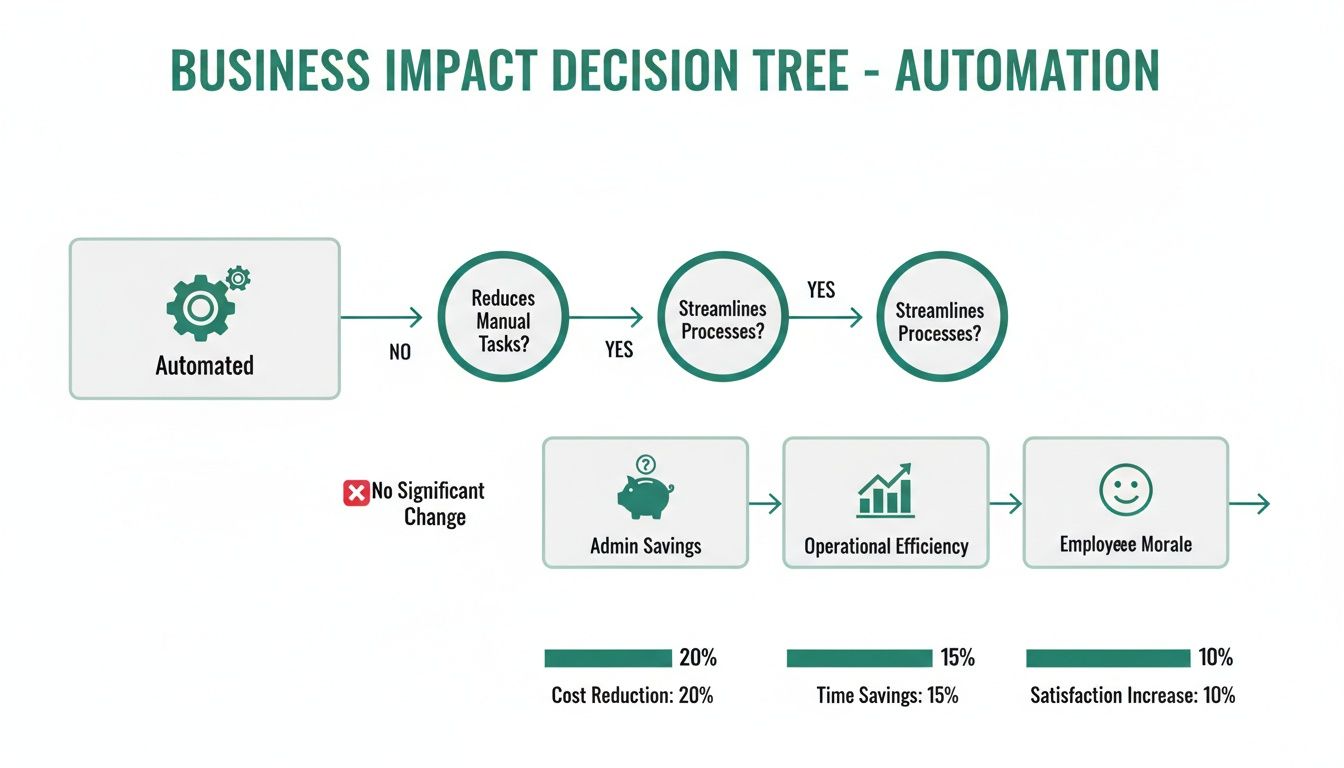
This simple decision tree shows how moving away from manual processes has a direct, positive impact on everything from admin costs to team morale.
Prioritise User Experience for Everyone
Let’s be honest: if the software is a pain to use, your team just won’t use it. An intuitive, clean interface isn't a "nice-to-have"—it's essential. This goes for everyone, from your tech-savvy new hire to a manager who is less comfortable with new tools. The best platforms feel logical from the moment you log in and require barely any training.
A great user experience means an employee can log in, see their balance, check the team calendar, and request time off in under a minute. For a manager, it means approving that request with a single click, probably from their phone.
Always take up the offer of a free trial or demo. Get your hands dirty. Try booking a holiday as an employee. Then, try approving it as a manager. If it feels clunky or confusing, walk away. It will only create more headaches down the line, which is the exact opposite of what you’re trying to achieve.
Check for Seamless Integrations
Your holiday software shouldn’t be an island. To unlock its true value, it needs to talk to the other tools your team relies on every single day. Without these connections, it just becomes another login people forget to check.
Look for a few key integrations:
- Calendar Integration: It absolutely must sync with Outlook, Google Calendar, or Apple Calendar. When a holiday is approved, it should just appear in the relevant calendars automatically. No manual entry required.
- Communication Tools: Hooking up with platforms like Slack or Microsoft Teams is a game-changer. Imagine getting a leave request as a message and being able to approve it right there and then. It makes the whole process feel effortless.
- HR and Payroll Systems: This is a more advanced feature, but if the software can link to your core HRIS or payroll system, you'll save countless hours. It streamlines everything from final pay calculations to overall employee data management.
To help you compare your options, use a simple checklist like the one below. It forces you to think about what really matters to your business and score potential vendors against those needs.
Software Evaluation Checklist
| Feature/Criteria | Importance (High/Medium/Low) | Vendor A Score (1-5) | Vendor B Score (1-5) | Notes |
|---|---|---|---|---|
| Ease of Use (Employee) | ||||
| Ease of Use (Manager) | ||||
| Scalability (User Limits) | ||||
| Calendar Integrations | ||||
| Slack/Teams Integration | ||||
| Reporting & Analytics | ||||
| Mobile App Availability | ||||
| Customer Support | ||||
| Pricing Structure |
Once you've scored a few options, you'll have a much clearer, data-driven picture of which platform is the best fit, rather than just going with a gut feeling.
Demand Robust Reporting and Analytics
Finally, don’t underestimate the power of data. Good staff holiday software does more than just track days off; it gives you genuinely useful insights. When you have strong reporting features, you can turn all that raw data into a strategic tool for managing your team more effectively. It helps you spot trends, keep an eye on well-being, and plan your resources better. For a deeper dive, check out the secrets of choosing the right absence management solution.
You should be able to easily pull reports on things like leave liability, sickness rates by department, or even who hasn't taken a break in over six months. This kind of information is gold dust. It lets managers and HR be proactive, spotting potential burnout before it becomes a real problem and making sure leave policies are applied fairly to everyone.
Ensuring a Smooth Transition to Your New System
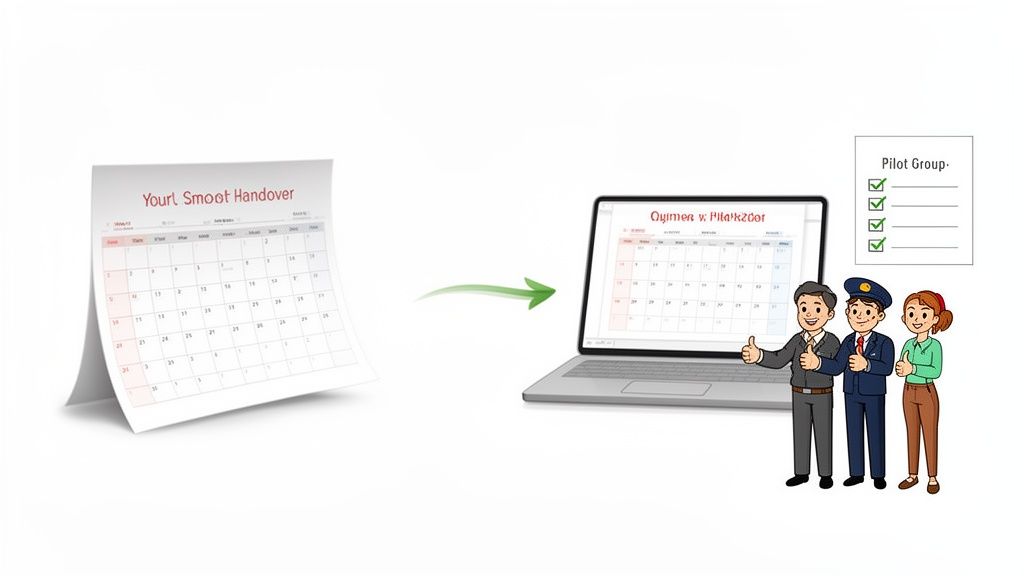
Choosing your new staff holiday software is a huge step, but the real test is getting it up and running smoothly. A messy rollout can cause absolute chaos.
Think of it like moving house. You wouldn't just dump everything into unmarked boxes and hope for the best. You'd label, plan, and coordinate. Switching software needs that same level of care to avoid turning a positive change into a company-wide headache.
The aim here is simple: make the switch feel like a genuine upgrade for everyone, not just another bit of admin to wrestle with. A solid plan means you can move your data over accurately, get your policies dialled in, and bring your team along for the ride.
Laying the Groundwork for Success
Before you even dream of hitting the ‘go live’ button, a few things need to be nailed down. First up, and most importantly, is data migration. You’ve got to get all your existing leave records and any future bookings into the new system. Most modern platforms have tools for this, but you absolutely must double-check the data. The last thing you want is people starting with the wrong holiday balance.
Next, it’s all about configuration. This is where you teach the software your company’s specific rules for time off. Take the time to set up these key areas properly:
- Custom Leave Types: Go beyond standard annual leave. Define everything your company offers, whether it’s bank holidays, duvet days, or time off for volunteering.
- Approval Workflows: Map out the chain of command. Who approves requests for each team? Does a request go to a line manager first, then a department head? Get it right now.
- Accrual Rules: Make sure the system is set up to calculate holiday entitlement correctly for everyone, from full-timers to part-time staff and new starters, all in line with UK regulations.
Getting these details right from the start will save you from a world of pain later. If you want a more detailed breakdown, our step-by-step guide to implementing an absence management system is a great resource.
Communicating the Change Effectively
How you talk about the new system is just as crucial as the tech itself. A bland email announcing a new tool will be met with groans. Instead, you need to sell the benefits directly to your employees.
Show them how it makes their lives easier. Talk about instant holiday balance checks from their phone, super-quick requests, and a team calendar that makes planning a doddle.
A simple, phased communication plan is your best bet:
- Announce the "Why": A week or two before launch, let everyone know what’s coming and, more importantly, why you’re making the change.
- Provide Simple Training: Don’t overcomplicate it. Offer a quick drop-in session or share a short video showing the basics, like how to request leave.
- Go-Live and Support: On the day, send a final reminder with login details and make sure someone is on hand to help with any teething problems.
The most successful transitions happen when employees see the new software as a tool that respects their time and simplifies a frustrating process. It’s about empowerment, not enforcement.
Here's a top tip: consider running a small pilot program with a single department first. It’s a great way to iron out any kinks with a friendly audience. These early users often become your biggest champions, building some positive buzz before the company-wide launch.
Common Holiday Management Pitfalls to Avoid
Even the slickest staff holiday management software can't fix a broken process. Investing in new tech is a fantastic step, but its success hinges on side-stepping the common traps that trip up many businesses during the transition.
Put simply, software just automates your rules. If your rules are a mess, you’re just automating chaos.
One of the most frequent mistakes is failing to set out clear, concrete leave policies before you go live. Without them, you end up with a system that feels inconsistent and unfair. Ambiguity around notice periods, how to handle clashing requests, and carry-over rules is just asking for team disputes and frustration.
Unclear Policies and Inconsistent Enforcement
Imagine two team members requesting the same popular week off in August. Who gets priority? Without a written policy, the manager’s decision can seem arbitrary, fuelling resentment. A clear policy, on the other hand, might state that priority is given based on when the request was submitted, or it could use a rotation system for popular holiday periods.
To avoid this, you have to define and document your rules on the key issues:
- Notice Periods: How much advance warning do staff need to give for holiday requests?
- Request Clashes: What’s the process for deciding between competing requests for the same dates?
- Holiday Blackouts: Are there specific "no-go" periods for leave, like during a product launch or year-end?
- Carry-Over Limits: How many days can be carried into the next leave year, and what is the deadline for using them?
The best software is a tool to enforce your policies fairly and consistently. Before launching, make sure those policies are written down, easy to find, and understood by everyone. This clarity builds trust and prevents headaches down the line.
Neglecting Manager and Employee Training
Another major pitfall is just assuming everyone will instantly know how to use the new system. You might see a beautifully simple approval workflow, but a manager just sees another task on their to-do list. Proper training isn’t optional; it’s absolutely essential if you want people to actually use the tool.
This doesn't need to be some complex, day-long session. A short, focused demonstration showing managers how to view team calendars and approve requests is often more than enough. For employees, a quick guide on how to check their balance and submit a request can make all the difference.
Framing the change as a benefit—showing everyone how much easier it makes their lives—is key to getting people on board. Without this small upfront effort, your powerful new tool can quickly become an expensive, underused piece of software gathering digital dust.
Frequently Asked questions
When you're looking into staff holiday management software, a few practical questions always seem to pop up. Let's tackle some of the most common ones to give you the clarity you need to make the right choice for your business.
How Is Pro-Rata Leave Calculated for Part-Time Staff?
This is a big one for any UK business with a flexible workforce, and thankfully, it's an area where modern software really shines. Forget wrestling with complex spreadsheet formulas that seem to break every other week.
With a proper system, you simply input an employee's contracted hours or days, and the software does the heavy lifting, automatically calculating their holiday entitlement in line with UK regulations. It ensures every team member, no matter their working pattern, gets the correct amount of leave. This is all about eliminating mistakes and guaranteeing fairness across the board.
Is Our Employee Data Secure in the Cloud?
Data security is non-negotiable, and it's a completely valid concern when you're moving sensitive information away from local files. The interesting thing is, a reputable cloud-based platform almost always provides far better security than a spreadsheet saved on a shared drive.
Leading software providers invest heavily in protecting your data. You should look for platforms that offer:
- Data Encryption: This scrambles your data, making it completely unreadable to anyone who shouldn't be looking at it.
- Secure Logins: Multi-factor authentication is a must-have, adding an essential extra layer of protection.
- Regular Backups: Your data is frequently saved, so you're protected against accidental loss.
- Access Controls: You get to define who sees what, ensuring sensitive information is restricted to the right people, like HR or line managers.
These measures work together to create a secure environment, properly safeguarding your team's personal information.
What Is the Typical Return on Investment?
The return on investment (ROI) for holiday software goes way beyond just the subscription fee. You have to measure it in reclaimed time, fewer errors, and smoother day-to-day operations. The biggest value comes from drastically cutting the admin hours spent manually processing requests, answering queries, and pulling together reports. This frees up your HR team and managers for more valuable, strategic work.
The ROI is realised through tangible savings in administrative overhead, the elimination of costly payroll errors from incorrect leave calculations, and improved operational planning that prevents understaffing during critical periods.
What's more, a streamlined, transparent process does wonders for employee morale and reduces friction. For quickly handling common employee questions, like how many holiday days they have left, exploring the use of Chatbots in HR can offer instant support and add another layer of efficiency. Ultimately, the software pays for itself through improved productivity and a happier, more engaged workforce.
Ready to replace chaotic spreadsheets with a simple, powerful solution? Leavetrack provides the clarity and control you need to manage staff holidays effortlessly. See how our system can save you time and improve team morale by exploring our features at https://leavetrackapp.com.